

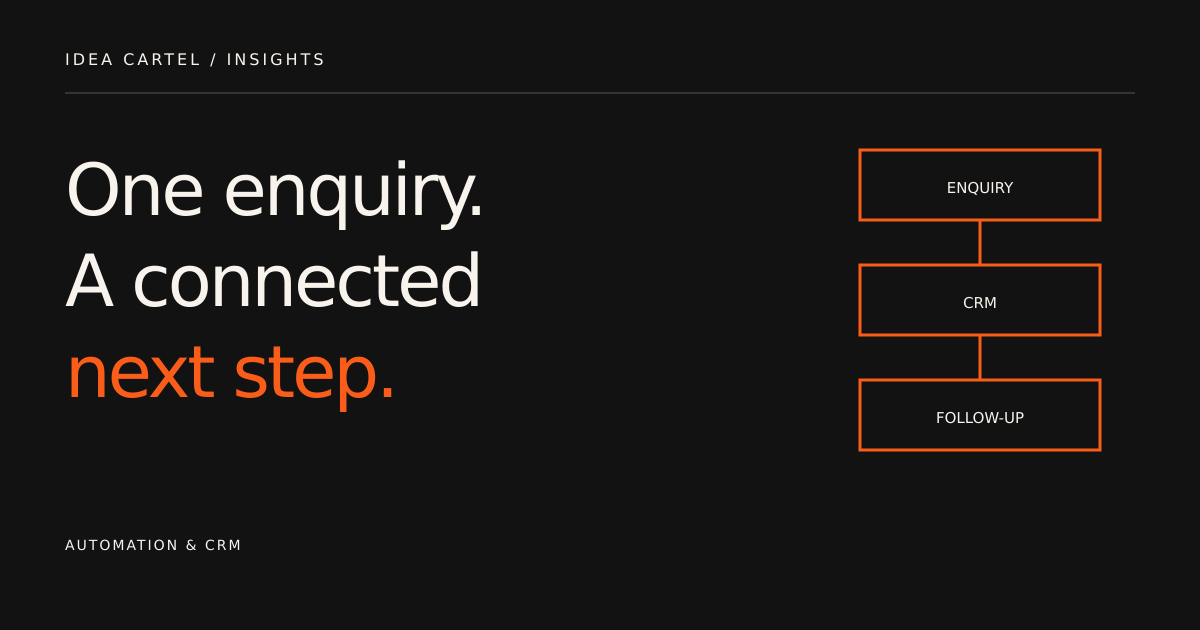
1. Map the current enquiry process
Write down the actual steps after someone contacts your business. Where does the enquiry arrive? Who reviews it? Where is the contact recorded? How does the team know a reply is due? Include manual work rather than only the steps that happen inside software.
This process map helps identify what needs connecting. The goal is not to automate every action. Some decisions need a person, especially when an enquiry is complex or the next message depends on context.
Our CRM integration service starts by reviewing the tools, fields and ownership rules involved.
2. Define the information that should move
Start with a small, useful field map. A service enquiry might contain a name, email address, service interest, message and source page. Keep contact details separate from the details of a particular enquiry where your CRM supports that distinction.
- Contact fields: information used to identify and communicate with a person.
- Enquiry fields: the requested service, project details and current enquiry status.
- Process fields: the assigned owner, next action and relevant preferences.
Agree what should happen when a matching contact already exists. A new enquiry should not automatically overwrite valuable information without a defined rule.
3. Build a simple form-to-CRM workflow
An initial workflow can be deliberately straightforward. A valid form submission creates or updates the relevant record, assigns a responsible person and makes the next action visible. The exact integration method depends on the platforms and access available.
- Receive and validate the enquiry.
- Look for an existing matching contact using the agreed identifier.
- Create or update the appropriate records.
- Assign ownership and an initial enquiry status.
- Notify the responsible team member or create a task.
This is an illustrative process, not a promise that every platform supports identical behaviour. Confirm the required features before implementation.
4. Give every automated email a clear purpose
A short acknowledgement can confirm that an enquiry has been received and explain the next step. A welcome sequence may introduce useful information to people who have requested it. A customer email can support a specific action in an existing relationship.
Define the trigger, audience, message, timing and stop conditions for each email. Avoid treating every form submission as permission for an unrelated marketing sequence. Respect the contact’s preferences, subscription status and unsubscribe choices in the platform you use.
Email automation planning connects the message content to the customer journey rather than simply scheduling a series of emails.
5. Test exceptions as well as successful submissions
A successful test is only one part of the workflow review. Check incomplete submissions, an existing contact, repeated enquiries and the behaviour when a connected service is unavailable. Decide how the team will discover and resolve a failed handoff.
- Does the intended record contain the right fields?
- Can the responsible person identify the next action?
- Does the email reach the intended test inbox?
- Do stop conditions prevent irrelevant follow-up?
- Is there a clear process for duplicates and integration errors?
Record what was tested and what still depends on access, platform configuration or an external inbox confirmation. An interface success message alone does not confirm inbox delivery.
6. Make the workflow understandable after handover
Document the connected systems, field map, triggers, ownership rules and places where failures can be reviewed. Identify who maintains the integration and who can approve changes to the journey.
Workflows should be reviewed when the business changes a form, service, CRM field or customer process. A clear handover makes it easier to understand what a change will affect.
If the website itself needs work, combine the integration with web development or discuss a connected online business project.
Common questions
Is email automation the same as a CRM?
No. A CRM organises contact and relationship information. Email automation manages defined email journeys. They can work together when the data, triggers and responsibilities are clearly mapped.
Can you integrate tools we already use?
That depends on the platforms, available integration methods and access. A review of the tools and required workflow is the right starting point before agreeing implementation.
Your next step
A useful integration connects information with a practical next step. Share your current website, CRM and email workflow, and we can discuss the scope of a connected approach.